use cases
Industrial-yard Wi-Fi that stays close to the job.
A payment beside the stock. A scan at the railcar. An inventory update when material moves. Industrial-yard Wi-Fi needs to support those tasks among steel, stacked inventory and moving equipment. Aura Wireless helps extend coverage with Apogee antennas so more of the yard can serve as a connected working area.
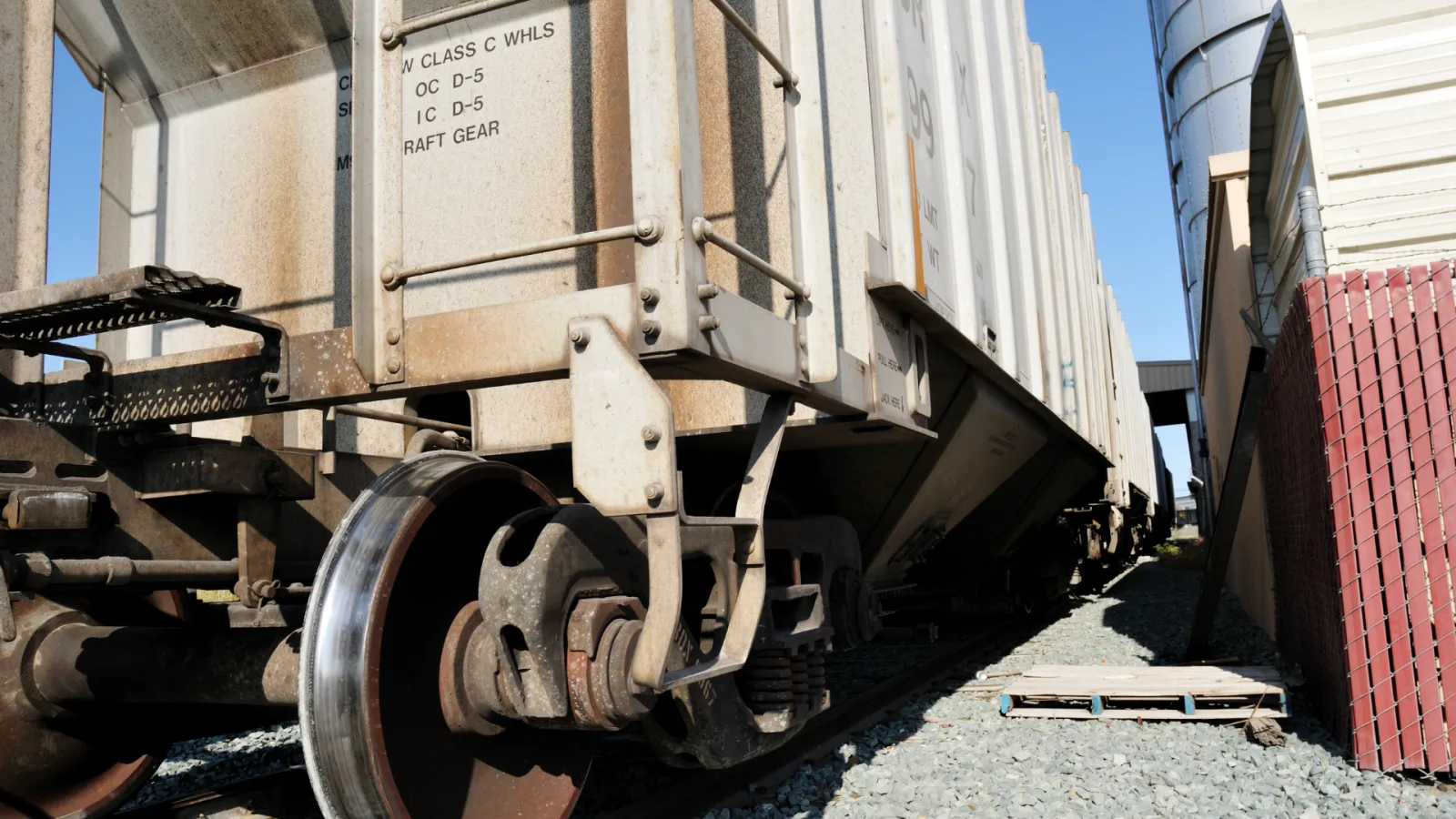
Finish the transaction outside
A handheld payment device is useful where the material and customer are located. Identify the sales and pickup areas that need a reliable two-way connection, including seasonal stock zones. The aim is to let employees complete the task without returning indoors for coverage.
Keep inventory updates current
Scanning at the asset lets the information follow the material. Map receiving, staging and storage locations along with the routes between them. A coverage plan should consider the handhelds used by workers and the systems that receive their updates.
Allow for stock to move
Steel inventory can obstruct and reflect radio signals. A full storage area may present different conditions from an empty one. Include changes in stack height, vehicle positions and overflow use when evaluating mounting locations and field checks.
Two Apogees across a 20-acre industrial yard
In Aura’s metal-dense industrial-yard case, handheld payment devices had been dropping offline, sending workers back to the warehouse. Two Apogee antennas extended coverage across the 20-acre property. Staff could complete payments, scan inventory and post updates where materials were handled.
The account also describes connected seasonal and overflow areas. The business relevance is practical: existing outdoor space became more useful for the workflows already taking place there. Use that result to frame the requirements for another yard, then evaluate its own layout and equipment.
Read the 20-acre industrial-yard caseA separate rail-yard result
The completed rail-yard case describes two Apogee antennas supporting scanning at railcars, container tracking and inspection or security drone use. Crews could exchange information farther into the yard instead of following fixed routes just to reconnect.
These are separate installations. The industrial-yard acreage belongs to the payment and inventory case above. The rail-yard example shows a different set of connected tasks, with its own placement requirements and results.
Read the rail-yard caseDesign the link around the handheld and the steel
A yard connection has to reach both ways. Apogee’s receive-side design helps the network hear lower-power client devices. The connected AP or radio still serves the clients, and the upstream network carries payment, inventory and other application traffic.
Placement remains important around metal. Reflections and blocked paths are physical site conditions. Out-of-band filtering addresses unwanted signals outside the operating band; it does not remove those obstacles or every source of interference.
Evaluate Apogee 360 where working areas surround a mount, and Apogee 180 where the required coverage is directed from a building edge or perimeter. The selected radios, bands, interfaces and configuration must suit the site. Include the active device load and resilience requirements before deciding how many AP locations the design needs.
Compare the Apogee familyIndustrial-yard Wi-Fi questions
Which industrial-yard workflows do the cases support?
The 20-acre industrial-yard case supports handheld payments, inventory scans, delivery processing and updates from outdoor staging areas. The separate rail-yard case supports scanning, container tracking and inspection or security drone use. Device compatibility and application requirements still need to be checked for a new installation.
How should seasonal inventory affect the coverage plan?
Include seasonal storage and overflow areas in the site plan, along with expected stack heights and vehicle routes. Material movement changes the paths radio signals can take. Evaluate the required device locations under representative working conditions, then revisit areas whose use changes materially.
Can an antenna remove the effects of steel?
Antenna placement and configuration can help provide useful coverage in a yard containing steel. Metal still obstructs and reflects signals. Apogee’s out-of-band filtering has a separate role, reducing unwanted signals outside the operating band. The installed network needs field checks around the actual inventory and equipment.
What should a yard include in a project cost comparison?
Compare the APs, antennas, mounting work, cabling, power and upstream links required to serve the same work areas. Include maintenance access and the expected device load. A lower equipment count is useful when the complete design still supports the yard’s operating and resilience requirements.
What should we bring to an industrial-yard assessment?
Bring a site plan, working routes, typical and maximum stock heights, and the places where connections fail. List scanners, payment terminals, cameras and other intended devices by model and network requirements. Add available mounting, power and backhaul locations so the assessment connects daily work to a practical installation.
Continue your site assessment
Connect the working areas of your yard.
Mark the payment areas, inventory routes and changing stock zones on your yard plan. Contact Aura to discuss the requirements, or find a partner to help assess the site.