apogee180
Wi-Fi coverage from the edge of your site
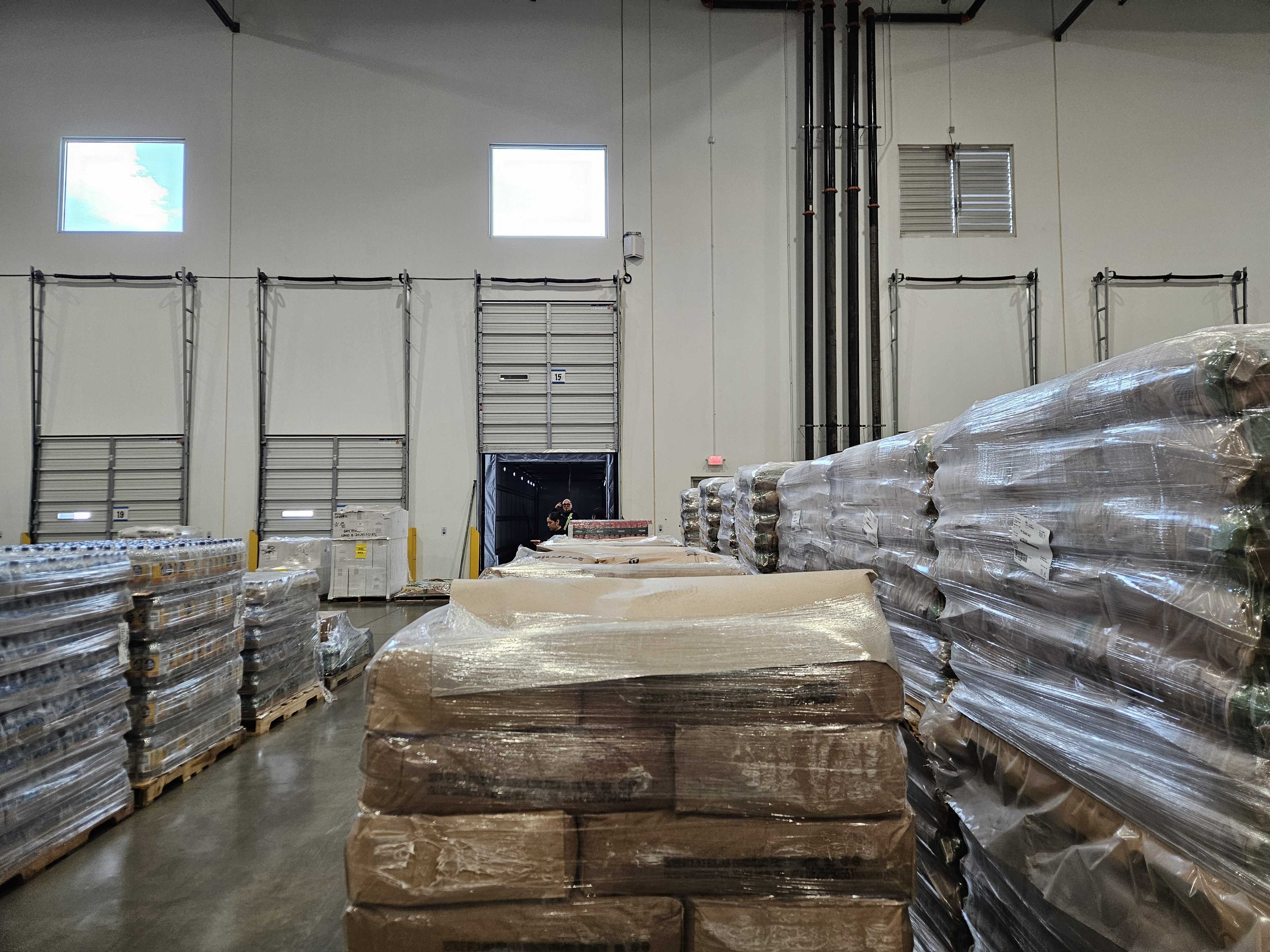
A loading dock or parking lot often needs coverage out in front of the building. Apogee 180 uses two antenna panels to cover a broad, 180-degree area from one mounting position. It works with a compatible access point to help the network hear devices farther away.

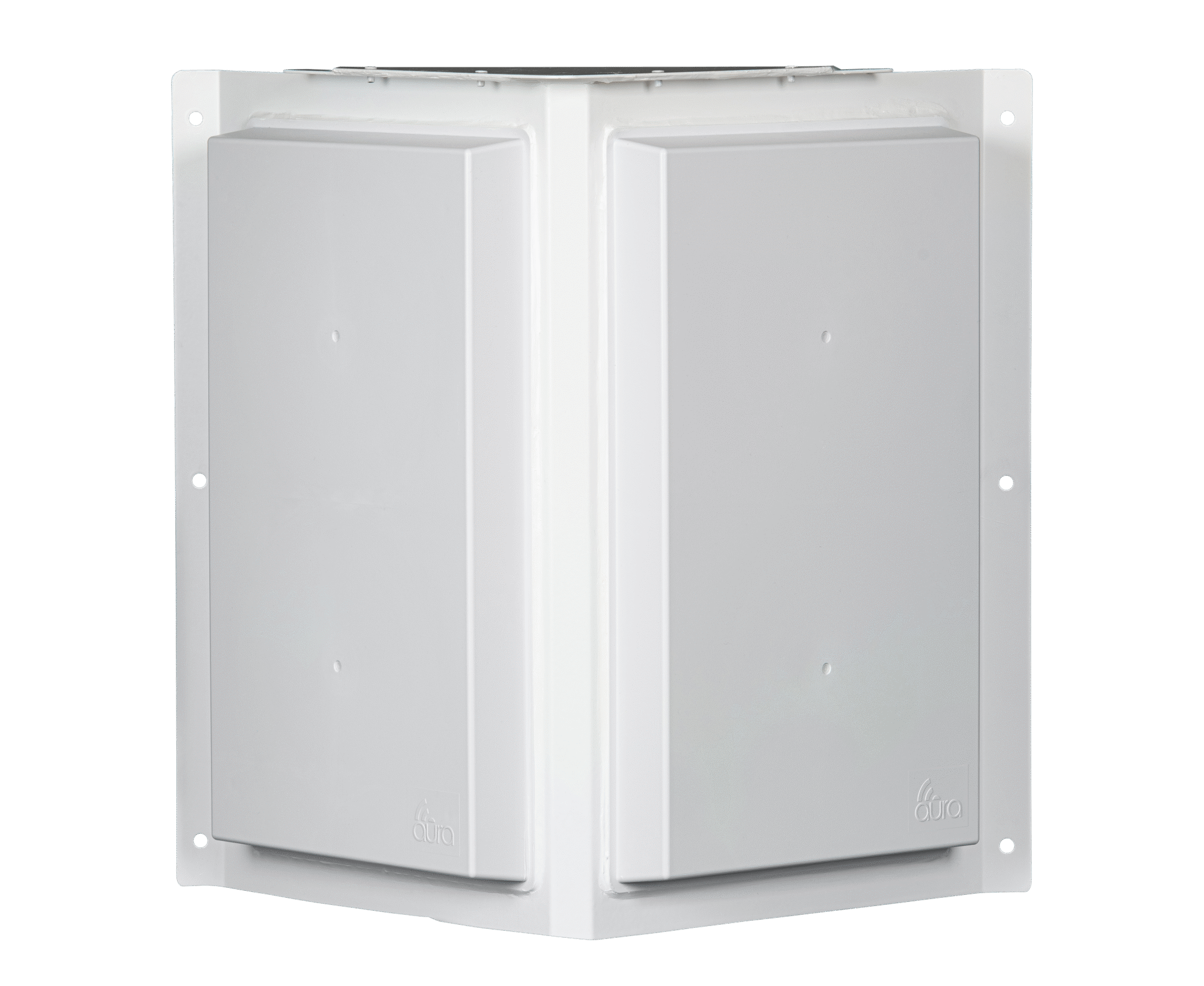
A practical fit for directional coverage
Mounting at a building edge lets the coverage face the work: loading bays, pickup spaces or an outdoor operating area. The two 90-degree panels provide the antenna shape for that layout. Actual reach depends on the devices, obstructions and installation.
Apogee 180 is powered and unmanaged. It does not require cloud configuration of the antenna. Your access point still handles Wi-Fi service, security and users, so choosing the right radio and connecting its antenna ports remain part of the installation.
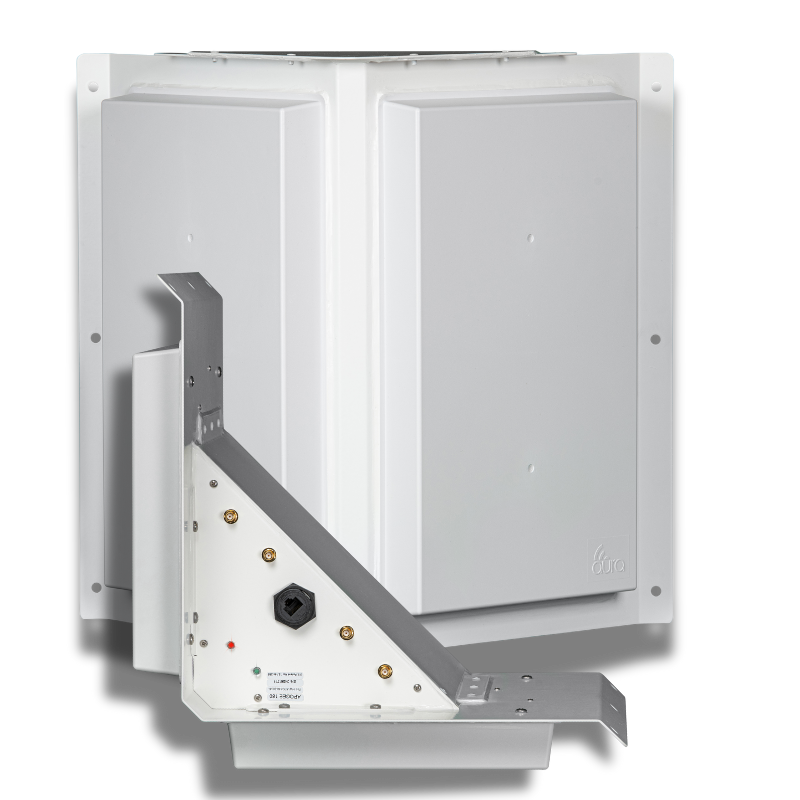
A stronger reply
A phone or scanner may hear an access point even when its own reply is too weak to reach it. Apogee amplifies the received signal to help complete that connection.
Coverage facing the work
Two panels form a 180-degree antenna pattern. Mounting height, direction and nearby obstacles determine how that pattern fits the space.
Fewer installation points
A design that needs fewer access points can also need fewer cable runs and powered locations. Compare complete designs, including capacity and installation costs.
antenna configuration
Inside apogee180
The 180 and 180 MP share a two-panel body. Choose the 180 for a directional coverage requirement. Where metal racks or reflective surfaces are a major concern, compare the 180 MP before settling on the design.
Antenna layout
- 180° / two 90° panels
- 2.4 GHz and 5 GHz Wi-Fi
- Receive gain: 25–26 dBi
Connected equipment
- 4 external RF ports
- Compatible radios with external antenna connections
- Powered, unmanaged
Installation planning
- Match radios and panels to the coverage zones
- Confirm RF cables, power and mounting for the hardware revision
- Check capacity and test with the intended client devices
- Beamwidth
- 180°
- External RF ports
- 4 ports
- Weight
- 6 lbs
Apogee 180 product specifications
| Supported bands | 2.4 GHz and 5 GHz Wi-Fi |
|---|---|
| Receive gain | 25–26 dBi |
| Transmit antenna gain | 9 dBi |
| Panel arrangement | 180° / two 90° panels |
| External RF ports | 4 external RF ports |
| Polarization | Fixed configuration |
| MIMO | 2x2 per panel; confirm radio and panel allocation |
| Configuration | Powered, unmanaged |
| Power | PoE; confirm the supported source for the hardware revision |
| Maximum RF input | Up to 1 watt |
| Dimensions and weight | 17 × 6 × 17 in; 6 lbs |
| Environment | Confirm temperature rating for the selected hardware revision |
planning the investment
Count the work around each access point.
01
Cabling and power
Each access-point location may need a cable route and a power connection. Include that work when comparing the installation costs of two coverage designs.
02
Mounting and access
Poles, lifts and access to operating areas can add to installation costs. A design with fewer equipment locations may reduce that work.
03
Maintenance
Equipment needs attention over its service life. Compare licensing, replacement access and maintenance alongside the purchase price.
04
Coverage and capacity
Keep the required devices and users in the comparison. A lower equipment count is useful when the network still supports the work it was built for.
faq
Questions about Apogee 180
Does Apogee 180 replace an access point?
No. Apogee 180 is a powered antenna platform that connects to a compatible access point through external RF ports. The access point provides Wi-Fi service, authentication and network capacity.
What is the difference between Apogee 180 and 180 MP?
Both models use a two-panel body for directional coverage. Apogee 180 MP adds a hybrid-polarity design intended for reflected signals in places such as metal racks and industrial interiors. Select the model around the site conditions.
Does Apogee 180 need cloud management?
Apogee 180 is powered and unmanaged. It does not need antenna configuration through Apogee Manager. The connected access point and network still need their normal setup and management.
Can I keep my existing access point?
You may be able to keep an access point with compatible external antenna ports. Aura or your integrator should check the exact radio model, supported bands, antenna connections and permitted configuration before you order.
How far will Apogee 180 reach?
Apogee 180 has no single range figure that applies to every site. Client devices, obstacles, mounting and radio configuration affect the usable link. Assess coverage with the devices and applications that will actually use it.
plan your coverage
Tell us where your devices need to work.
Talk with Aura about the antenna options, or find a partner to help plan and install your network.