how apogee works
Wi-Fi has to work both ways.
A scanner can hear the access point and still struggle to connect. Its reply has to make it back, too.
Both signals arrive.
Close to the access point, the scanner receives data and sends its reply. Both signals arrive strong enough for the connection to work.
The reply is too weak.
Move the scanner farther away. The AP can still reach it, but the scanner’s return signal is now too weak at the AP for a reliable connection.
Apogee receives the reply.
Connect Apogee at the AP. It amplifies the received signal so the network can hear the distant scanner’s reply, extending usable two-way coverage without increasing the scanner’s transmit power.
what changes at your site
Your network needs to hear the reply.
Picture an employee scanning a pallet across the warehouse. The network’s signal reaches the scanner, but the scanner’s weaker reply may not make it back clearly. Turning up the access point does not make the scanner louder. Apogee amplifies the signal it receives from the scanner, helping the network complete the exchange.
More places to work
A working connection lets people use their tools where the job takes them. In Aura’s completed deployments, that includes scanning stock across a warehouse, taking payments outside and sending assignments to workers in a rail facility.
Fewer installation points
When each access point can cover more of the working area, the design may need fewer places to mount equipment, run cable and supply power. That can reduce installation work and the amount of equipment to maintain.
Plan around your devices
Start with the scanners, tablets and other tools your team already uses. Apogee helps the network hear weaker replies without asking those devices to transmit at higher power. Check the proposed setup with the actual devices before rolling it out.
At Legendz Way, four access points and four Apogee antennas covered a 730,000-square-foot distribution center. The case study reports an 83% projected reduction in five-year cost against the proposed conventional design. Those figures describe that project. A new site needs its own coverage plan and cost comparison.
Read the Legendz Way case study →
The technology is called Asymmetric Gain™. Wi-Fi takes turns sending and receiving over the same signal path. Apogee amplifies the received signal so the access point can hear the device’s reply more clearly.
the science of scale
Questions about using Apogee
What is Apogee?
Apogee is an antenna that connects to a compatible wireless access point. It amplifies the signals it receives from devices such as scanners, phones and tablets, helping the network hear their replies from farther away.
Does Apogee replace the access point?
No. The access point still connects devices to the network and handles their data. Apogee works with it to improve how well the network hears a device. Internet service, network security and the rest of the installation remain part of the system.
Do we need to replace our scanners, tablets or phones?
The coverage approach does not depend on making your devices transmit at higher power. The plan should start with the devices you use today. Aura or an integration partner can check that the proposed equipment works with them and test the applications your team relies on.
Can we use our existing wireless equipment?
That depends on the access-point model and the antenna connections it supports. Some existing equipment may be suitable; other installations will need changes. Share the equipment list with Aura or an integration partner before choosing a design or ordering hardware.
Where can the savings come from?
A design that needs fewer access points for coverage can also need fewer mounting locations, cable runs and power connections. There may be less equipment to install and maintain. The savings depend on the complete design and its costs, so compare the full installation rather than the antenna price alone.
Can a larger coverage area serve more people at once?
A larger area does not automatically mean more capacity. The access points and wider network still need to handle the number of active devices and the work they are doing. A busy public venue and a yard with a small scanner fleet can have very different requirements.
Does Apogee remove every cause of poor Wi-Fi?
No. Walls, metal, terrain, competing wireless traffic and busy equipment can still affect the connection. Apogee helps with hearing weaker device signals. Choosing suitable equipment, placing it carefully and checking it under working conditions are still necessary.
Where has Apogee been used?
Completed deployments include warehouses, rail facilities, large retail properties and farms. The case studies below describe the work each site needed to support and the equipment used there. Those results provide examples to evaluate, not a fixed equipment count for every similar property.
How do we know it will work at our site?
Start with the places people work, the devices they carry and the applications they use. Include busy periods and any areas where connections fail today. Aura or an integration partner can assess the site and proposed equipment, then check the design with real devices under working conditions.
insights
See how customers use it.
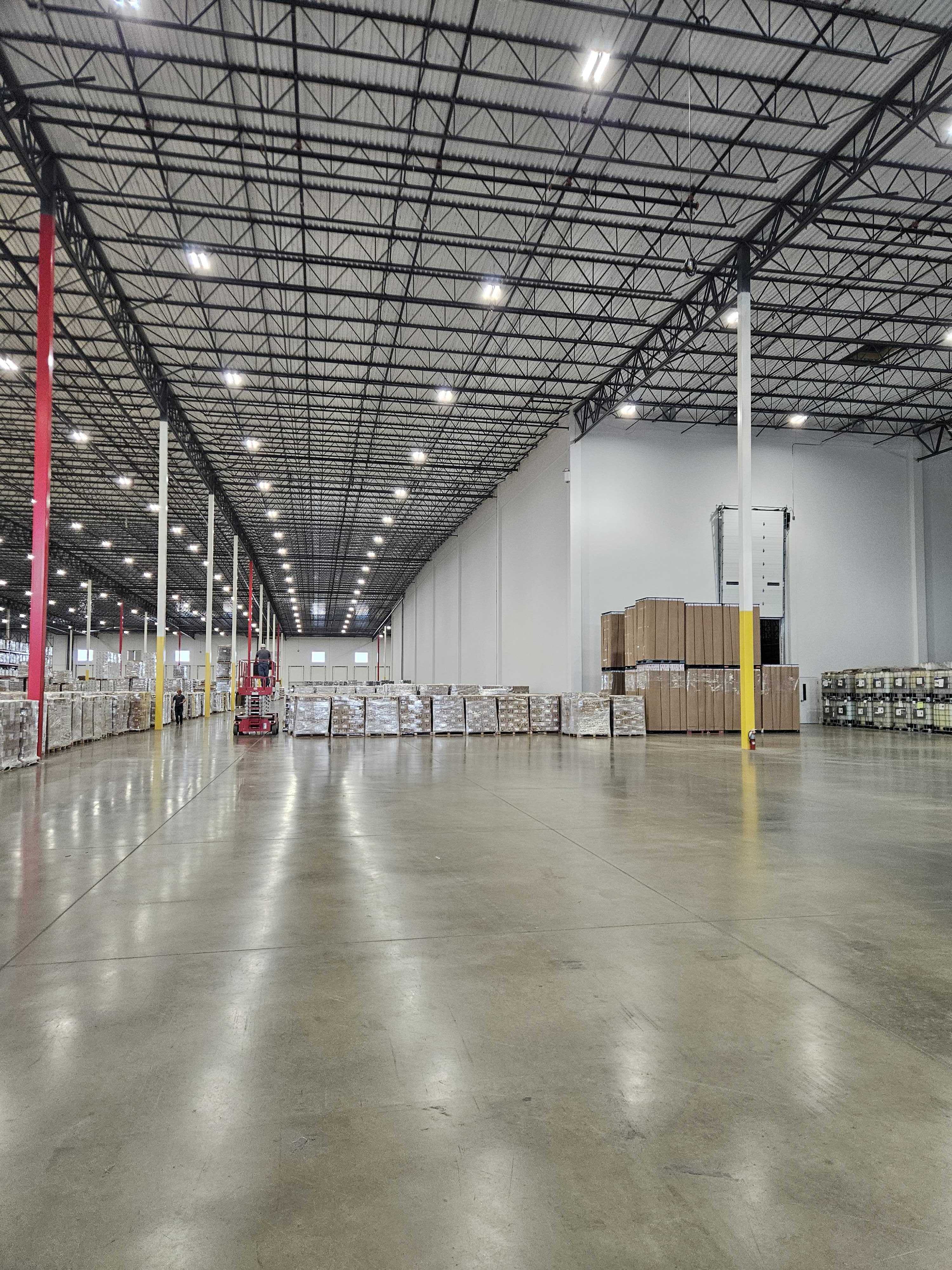 Case Studies
When Wi-Fi Stops Deciding Where Work Happens
How Legendz Way Distribution used Aura Wireless to turn a 730,000-square-foot coverage challenge into operational flexibility.
Read more
Case Studies
When Wi-Fi Stops Deciding Where Work Happens
How Legendz Way Distribution used Aura Wireless to turn a 730,000-square-foot coverage challenge into operational flexibility.
Read more
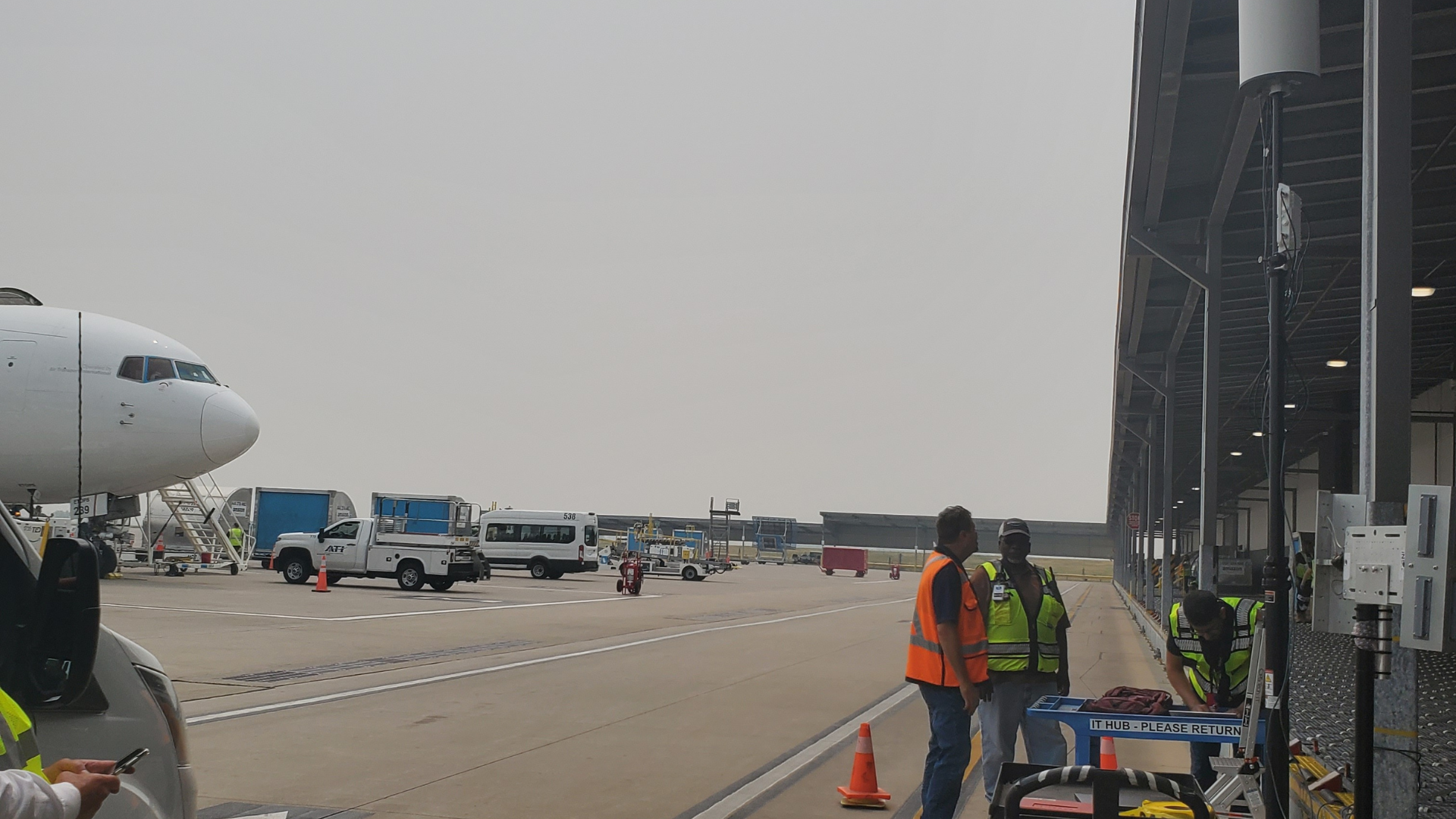 Transportation
Wireless coverage on the airport ramp
A Converge installation brings Wi-Fi and private cellular coverage to the aircraft ramp for a testbed with Cal Poly’s Noyce Lab and Heddian.
Read more
Transportation
Wireless coverage on the airport ramp
A Converge installation brings Wi-Fi and private cellular coverage to the aircraft ramp for a testbed with Cal Poly’s Noyce Lab and Heddian.
Read more
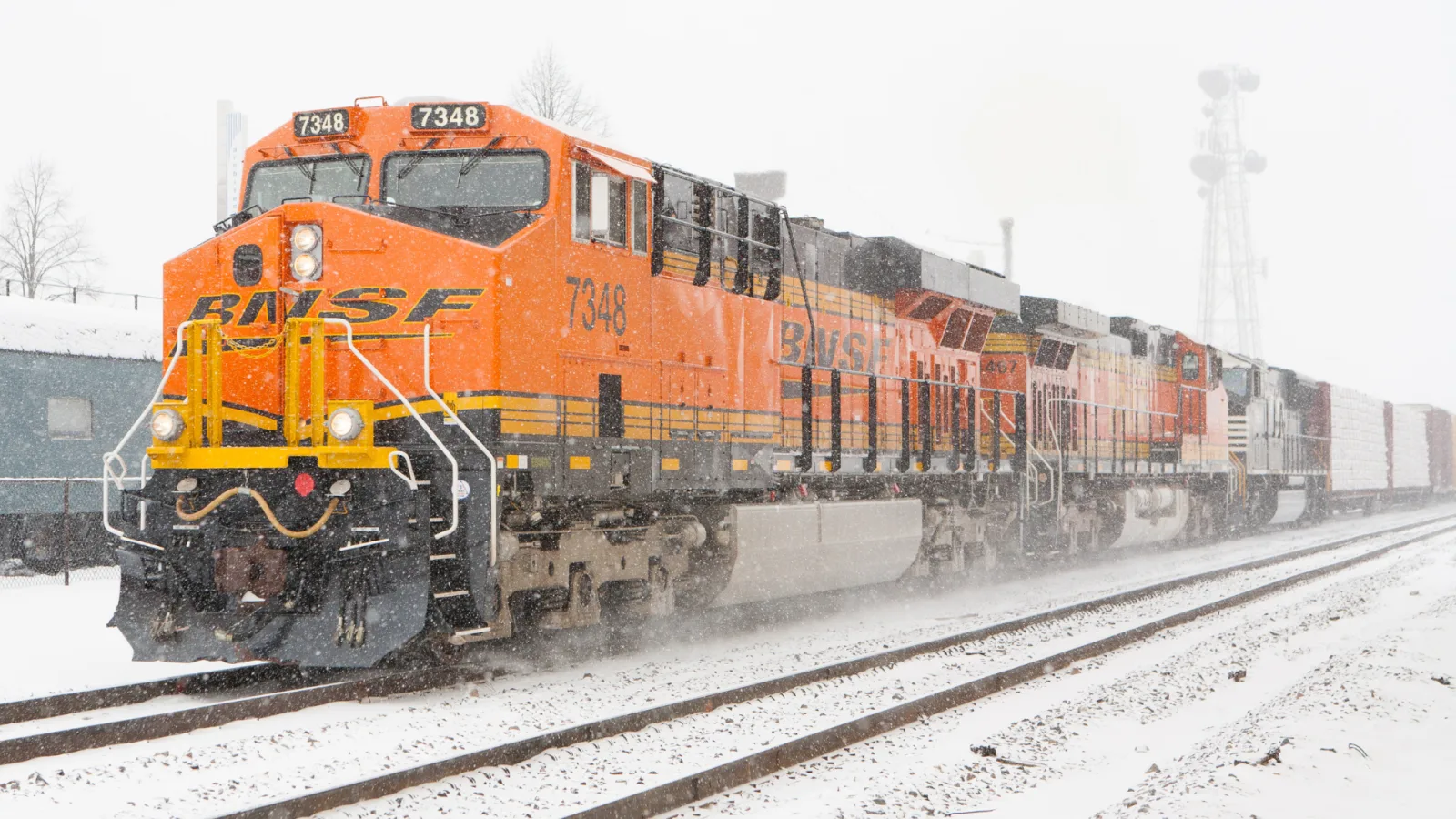 Transportation
One Apogee at a 35-acre rail checkpoint
Rail workers can upload field data and receive assignments across the checkpoint without returning to the office.
Read more
Transportation
One Apogee at a 35-acre rail checkpoint
Rail workers can upload field data and receive assignments across the checkpoint without returning to the office.
Read more
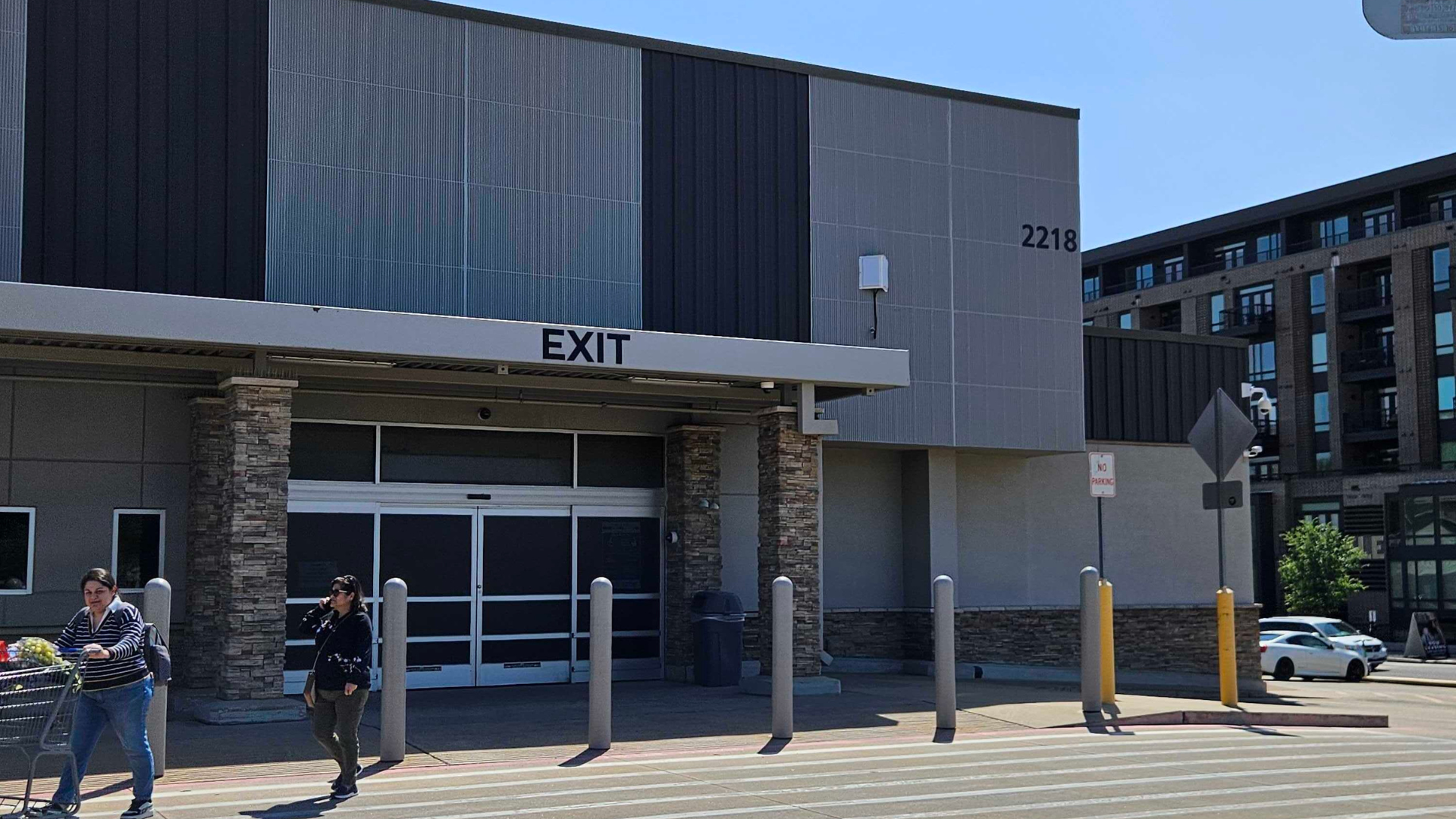 Retail
Outdoor connectivity for large-format retail
A large-format retailer uses a two- or three-Apogee layout for properties of more than 20 acres, including parking and overflow areas.
Read more
Retail
Outdoor connectivity for large-format retail
A large-format retailer uses a two- or three-Apogee layout for properties of more than 20 acres, including parking and overflow areas.
Read more
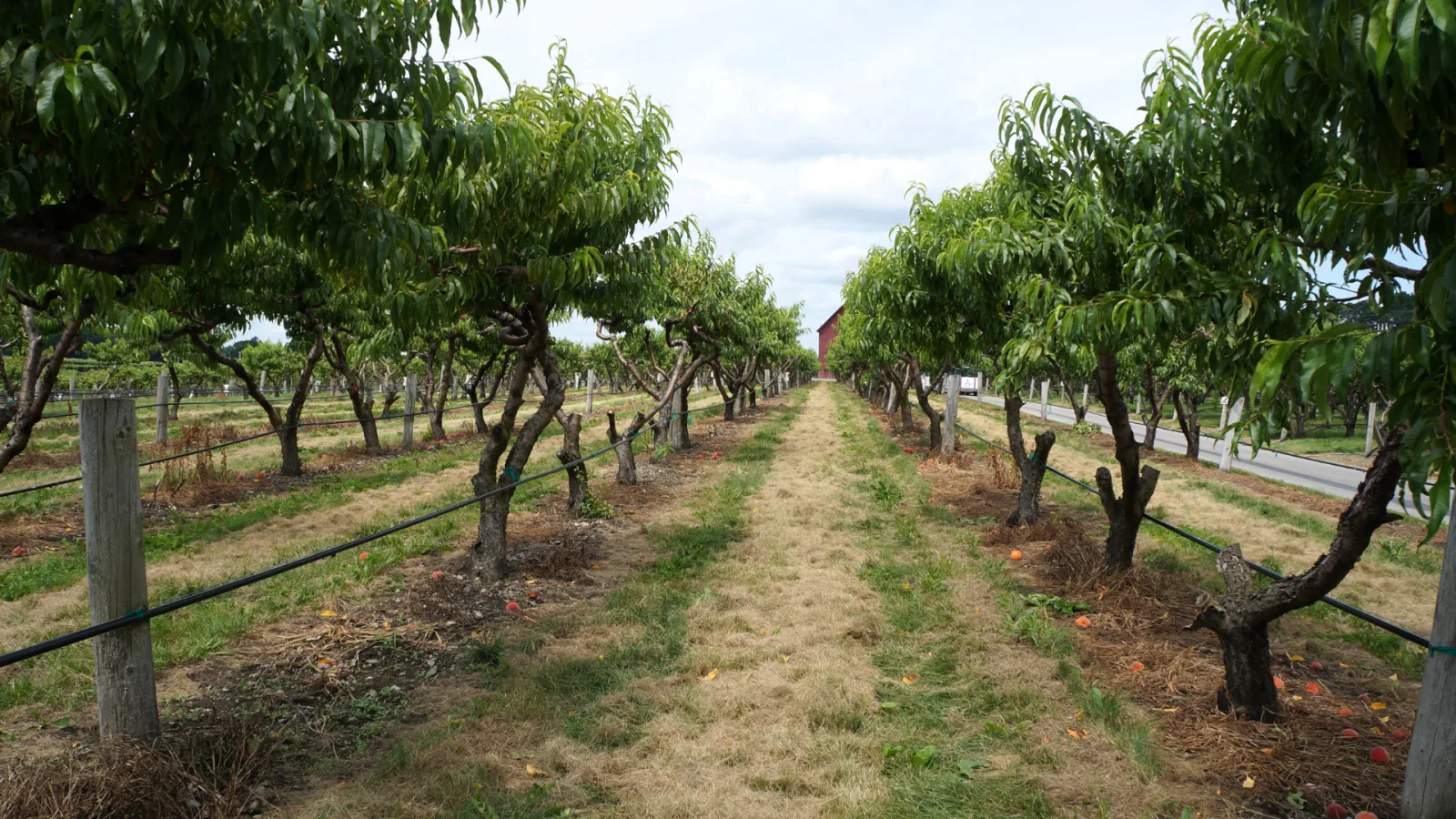 Agriculture
Three Apogees across a 250-acre U-Pick farm
Coverage supports payments, cameras and sensors across a working farm that also welcomes visitors.
Read more
Agriculture
Three Apogees across a 250-acre U-Pick farm
Coverage supports payments, cameras and sensors across a working farm that also welcomes visitors.
Read more
plan your deployment
Tell us where your devices need to work.
Bring your site layout, device list and the gaps you need to close. We can help you review the fit or connect you with an integration partner.