apogee360
Wi-Fi coverage around one mounting point
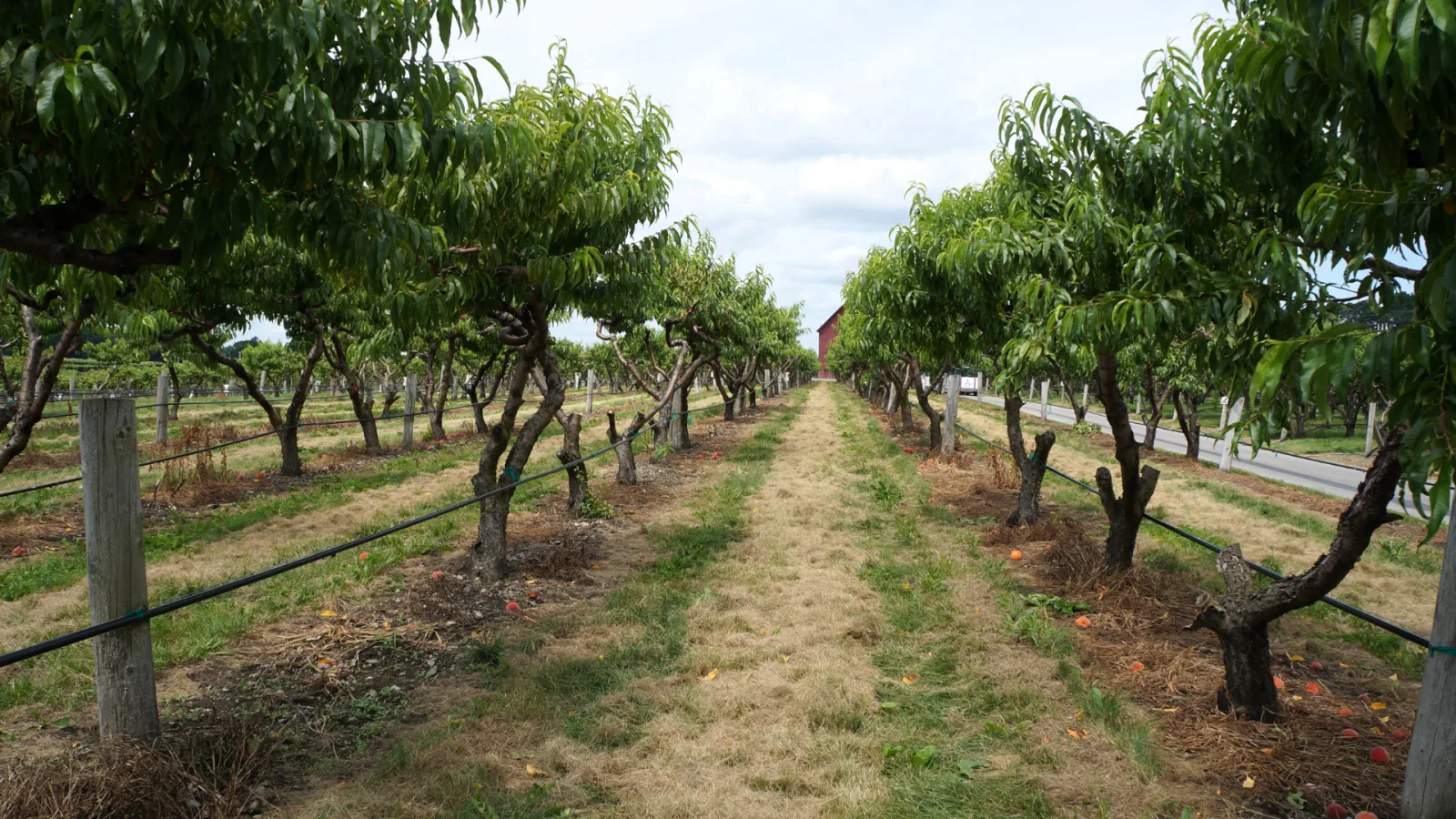
Yards, campuses and open grounds can need wireless coverage on several sides of a mounting location. Apogee 360 brings four antenna panels into one platform. It works with compatible access points to extend usable Wi-Fi coverage while giving the designer control over the areas each panel serves.
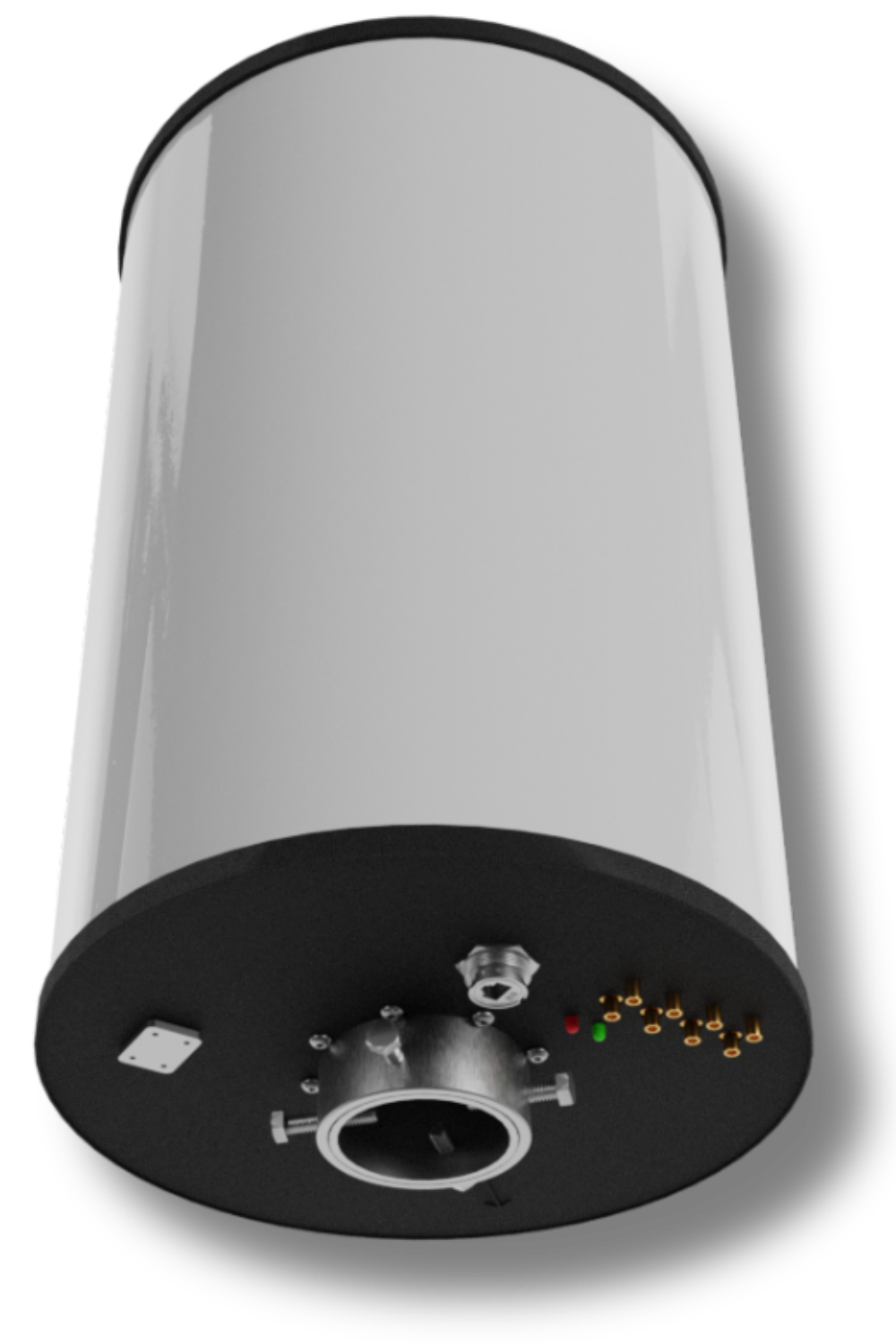
Plan coverage around the site
Four 90-degree panels provide a full-circle antenna arrangement. Apogee Manager configures the supported bands and polarization for the installation. That gives your integrator a way to match the antenna setup to the coverage zones.
For the business, the opportunity is fewer places to install and maintain network equipment. Aura describes up to 90% fewer access points in suitable deployments. That is a deployment-dependent maximum, not an expected saving for every site or a reduction in the number of users to plan for.
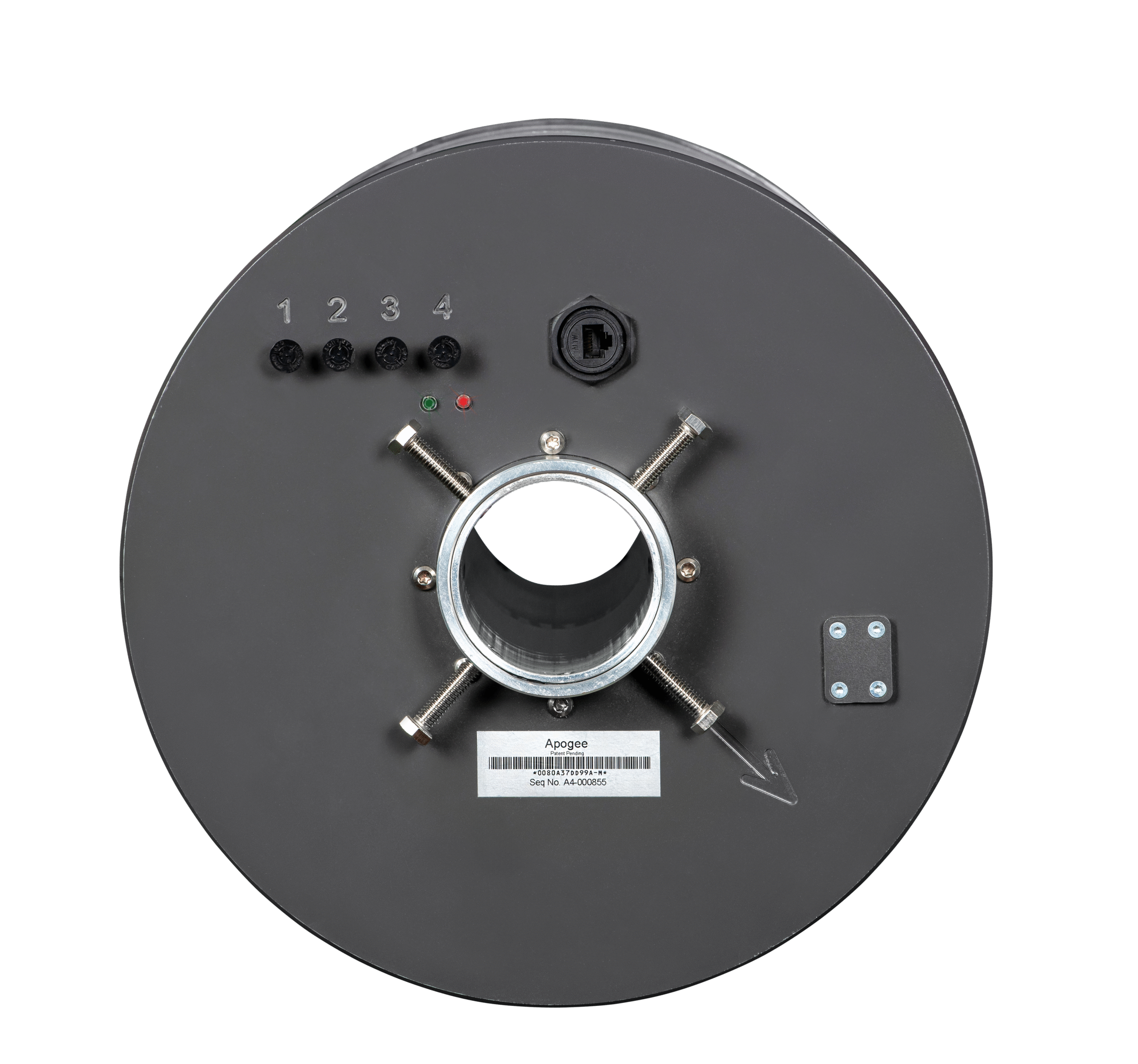
antenna configuration
Inside apogee360
Start with the places that need a connection, then choose the panel and radio arrangement. Four panels do not mean four independent access points, and broader coverage does not increase an access point’s user limit.
Antenna layout
- Up to 360° / four 90° panels
- 2.4 GHz and 5 GHz Wi-Fi
- Receive gain: 25–26 dBi
Connected equipment
- 4 external RF ports
- Compatible radios with external antenna connections
- Apogee Manager
Installation planning
- Match radios and panels to the coverage zones
- Confirm RF cables, power and mounting for the hardware revision
- Check capacity and test with the intended client devices
- Beamwidth
- 360°
- Antenna panels
- 4 panels
- Weight
- 22 lbs
Apogee 360 product specifications
| Supported bands | 2.4 GHz and 5 GHz Wi-Fi |
|---|---|
| Receive gain | 25–26 dBi |
| Transmit antenna gain | 9 dBi |
| Panel arrangement | Up to 360° / four 90° panels |
| External RF ports | 4 external RF ports |
| Polarization | Configurable vertical, horizontal or hybrid |
| MIMO | 2x2 or 4x4 by configuration; confirm radio and panel allocation |
| Configuration | Apogee Manager |
| Power | PoE; confirm the supported source for the hardware revision |
| Maximum RF input | Up to 2 watts |
| Dimensions and weight | 22 in high, 12 in diameter; 22 lbs |
| Environment | -40 C to +60 C; IP65 |
planning the investment
Count the work around each access point.
01
Cabling and power
Each access-point location may need a cable route and a power connection. Include that work when comparing the installation costs of two coverage designs.
02
Mounting and access
Poles, lifts and access to operating areas can add to installation costs. A design with fewer equipment locations may reduce that work.
03
Maintenance
Equipment needs attention over its service life. Compare licensing, replacement access and maintenance alongside the purchase price.
04
Coverage and capacity
Keep the required devices and users in the comparison. A lower equipment count is useful when the network still supports the work it was built for.
Questions about Apogee 360
Does a 360-degree antenna cover every part of a site?
Apogee 360 has four panels arranged around a mounting point. Buildings, terrain, stock and vehicles can still obstruct a signal. The installation must be assessed for the actual coverage zones, devices and mounting position.
What does Apogee Manager control?
Apogee Manager configures the antenna’s supported band and polarization settings. Wi-Fi service, security and user capacity remain responsibilities of the connected access point and network.
Can Apogee 360 support both 2.4 GHz and 5 GHz Wi-Fi?
Apogee 360 supports the 2.4 GHz and 5 GHz Wi-Fi bands. The connected radio and antenna configuration must suit the intended bands and coverage zones. Verify the exact access-point model and connections for the installation.
How many acres will one Apogee 360 cover?
There is no acreage figure that fits every deployment. Usable coverage depends on client devices, mounting, obstacles, radio configuration and application requirements. Use site-specific design and field checks rather than applying another customer’s acreage to your site.
Will broader coverage support more simultaneous users?
Broader antenna coverage does not increase the connected access point’s concurrent-user limit. A network serving many users must still be designed for airtime, capacity and backhaul as well as reach.
plan your coverage
Tell us where your devices need to work.
Talk with Aura about the antenna options, or find a partner to help plan and install your network.