



2026 Mobile Breakthrough Awards
Overall Enterprise Wi-Fi Product of the Year
Award winner: Aura Wireless
wide-area Wi-Fi and CBRS
Apogee™ helps compatible access points hear phones, scanners and sensors across larger spaces. Bring usable Wi-Fi to warehouses, yards and outdoor sites with fewer places to install, cable and maintain network equipment.
Access-point reduction is a deployment-dependent maximum. Coverage and capacity depend on your site, equipment and devices.
the apogee family
Start with the coverage area, the devices and the networks they use. The 180 and 180 MP provide directional coverage. The 360 and Converge offer four-panel layouts configured through Apogee Manager™.
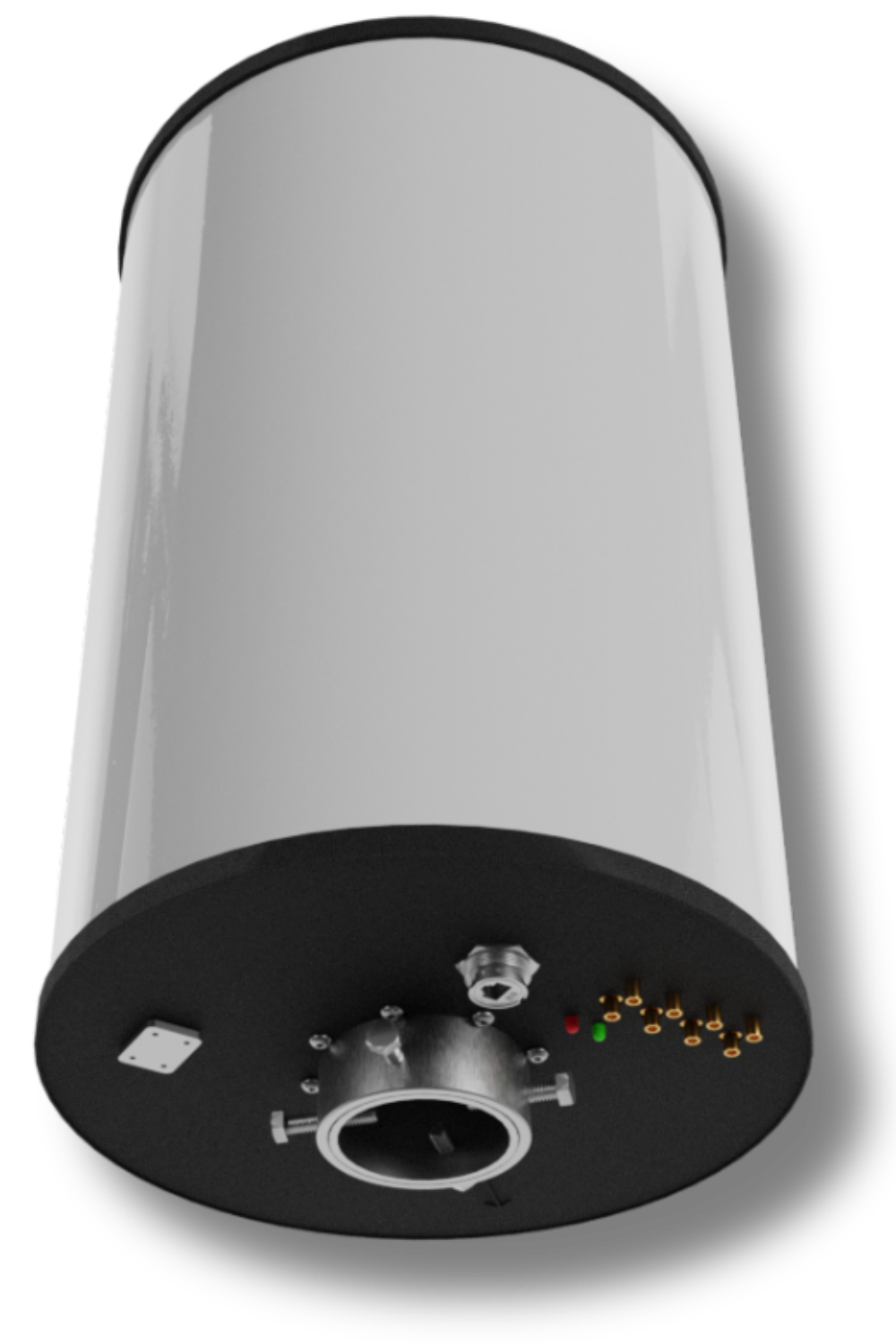
Apogee 360
Four panels for Wi-Fi around a mounting point, configured through Apogee Manager.
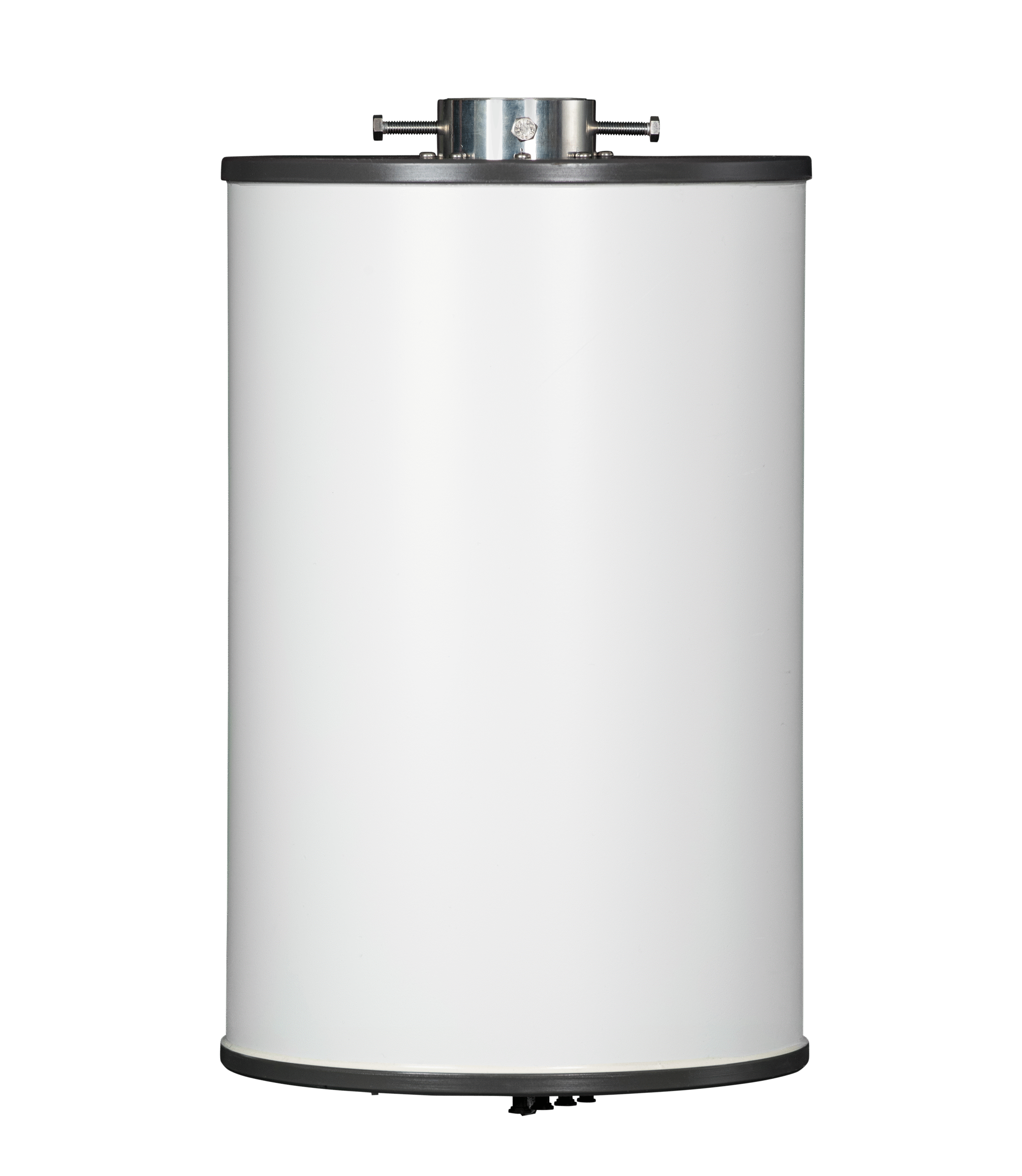 Apogee Converge
A shared antenna platform for sites that need both 5 GHz Wi-Fi and private cellular on CBRS.
Apogee Converge
A shared antenna platform for sites that need both 5 GHz Wi-Fi and private cellular on CBRS.
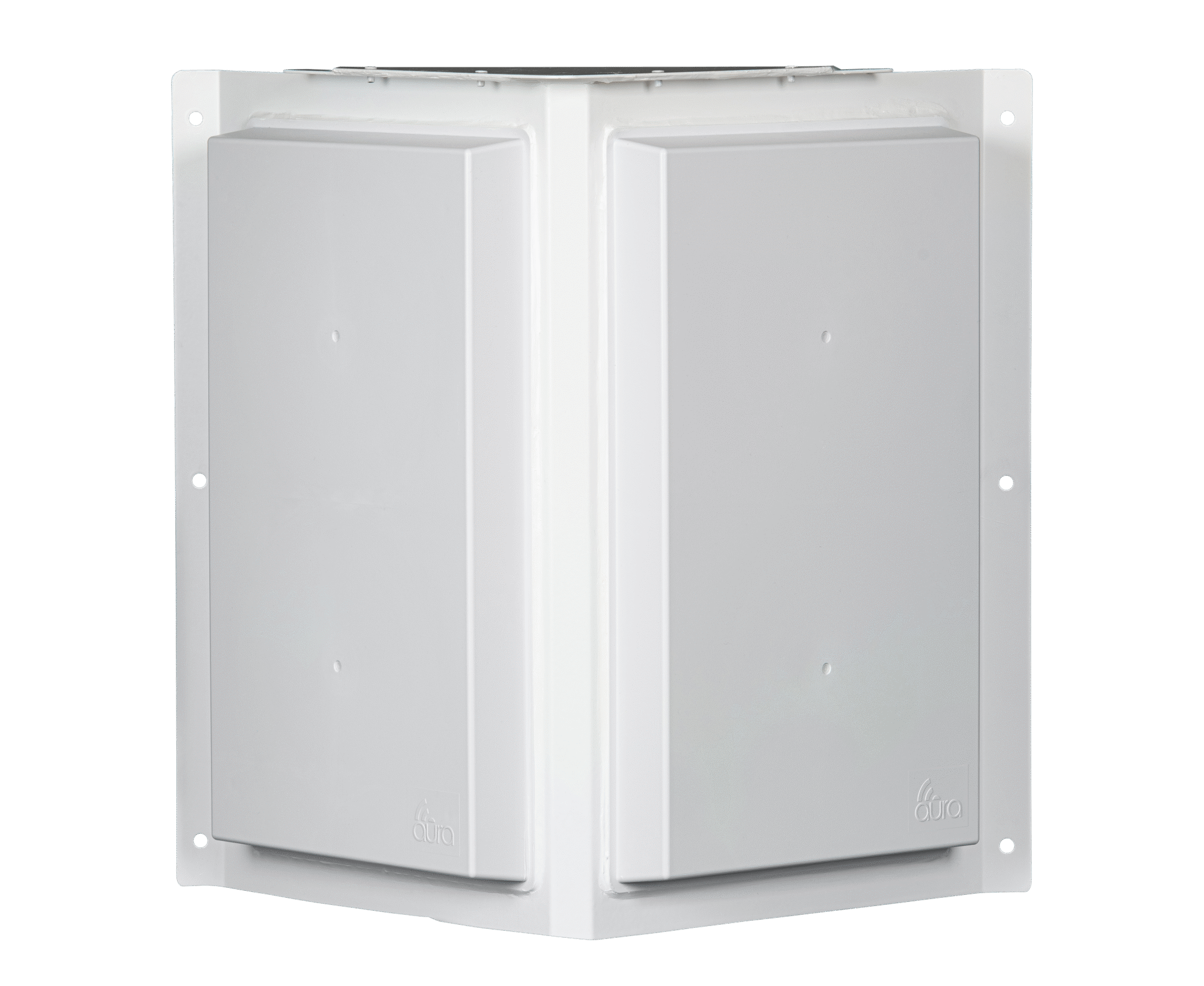 Apogee 180
Two panels for broad directional Wi-Fi coverage from a building edge or other mounting location.
Apogee 180
Two panels for broad directional Wi-Fi coverage from a building edge or other mounting location.
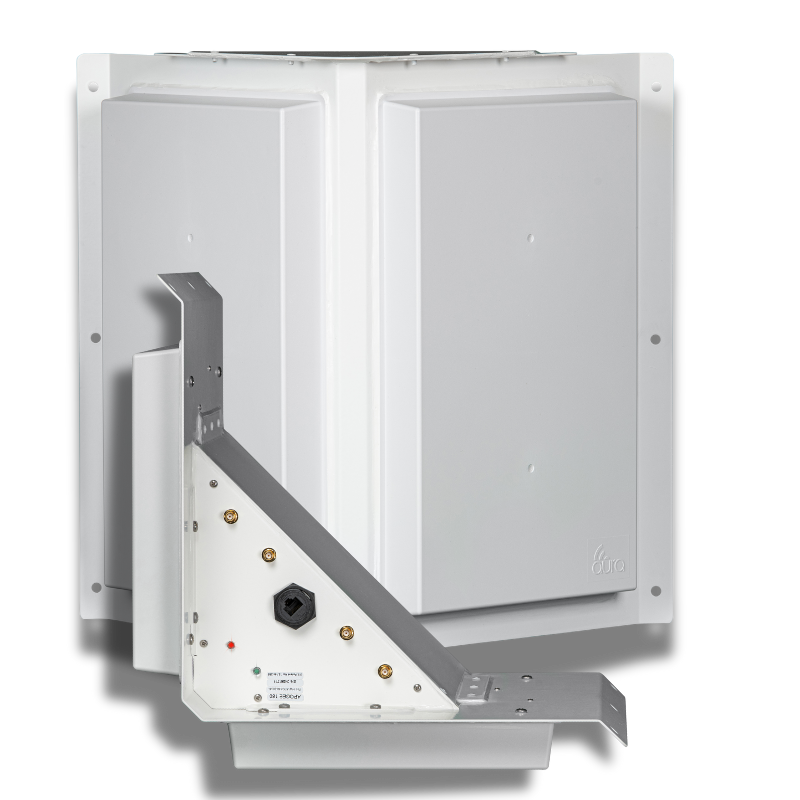 Apogee 180 MP
A two-panel hybrid-polarity design for steel racks, machinery and reflective interiors.
Apogee 180 MP
A two-panel hybrid-polarity design for steel racks, machinery and reflective interiors.
wireless solutions
asymmetric gain
Your devices need to be heard, too. Apogee™ amplifies the received signal so a compatible access point can hear weaker replies from farther away.
Wi-Fi takes turns sending and receiving over the same signal path. Strong reception at the device is only half of a working connection.
See the connection in motionthe coverage approach
01
Asymmetric Gain strengthens reception at the antenna. It addresses the weak return signal that can limit a connection from a phone, scanner or sensor.
02
Two-panel and four-panel layouts let the design address a directional space or the areas around a mount. Buildings, stock and terrain still shape actual coverage.
03
The 180 MP hybrid-polarity design is intended for places such as steel racks and industrial interiors. Select the model for the conditions your devices encounter.
04
Fewer access-point locations can mean less cabling, fewer powered locations and fewer places to maintain. Compare those costs alongside the capacity the business needs.
Legendz Way
Legendz Way used four access points and four Apogees for its warehouse. The project comparison projected an 83% reduction in five-year costs against the proposed conventional design.
That projection belongs to this project. It shows the value of comparing equipment, installation and operating costs together.
Read the Legendz Way case studyinsights
 Awards
Aura Wireless Apogee 360 Named Overall Enterprise Wi-Fi Product of the Year in 2026 Mobile Breakthrough Awards
Read more
Awards
Aura Wireless Apogee 360 Named Overall Enterprise Wi-Fi Product of the Year in 2026 Mobile Breakthrough Awards
Read more
 Awards
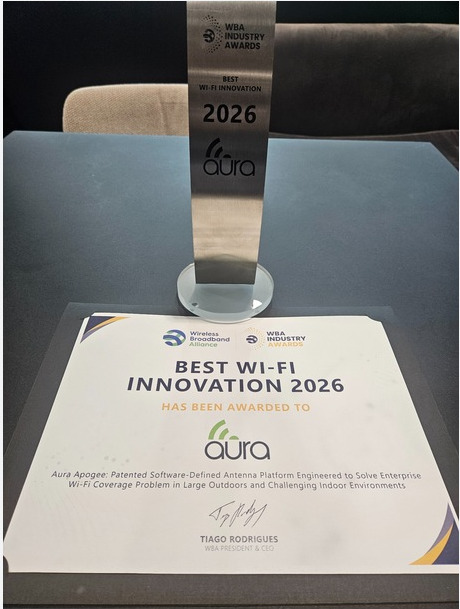
Aura Wireless Wins 2026 WBA Award for Best Wi-Fi Innovation
Aura's patented Apogee antenna platform wins Best Wi-Fi Innovation for delivering large-area coverage with a fraction of traditional network equipment.
Read more
Awards
Aura Wireless Wins 2026 WBA Award for Best Wi-Fi Innovation
Aura's patented Apogee antenna platform wins Best Wi-Fi Innovation for delivering large-area coverage with a fraction of traditional network equipment.
Read more
 Logistics
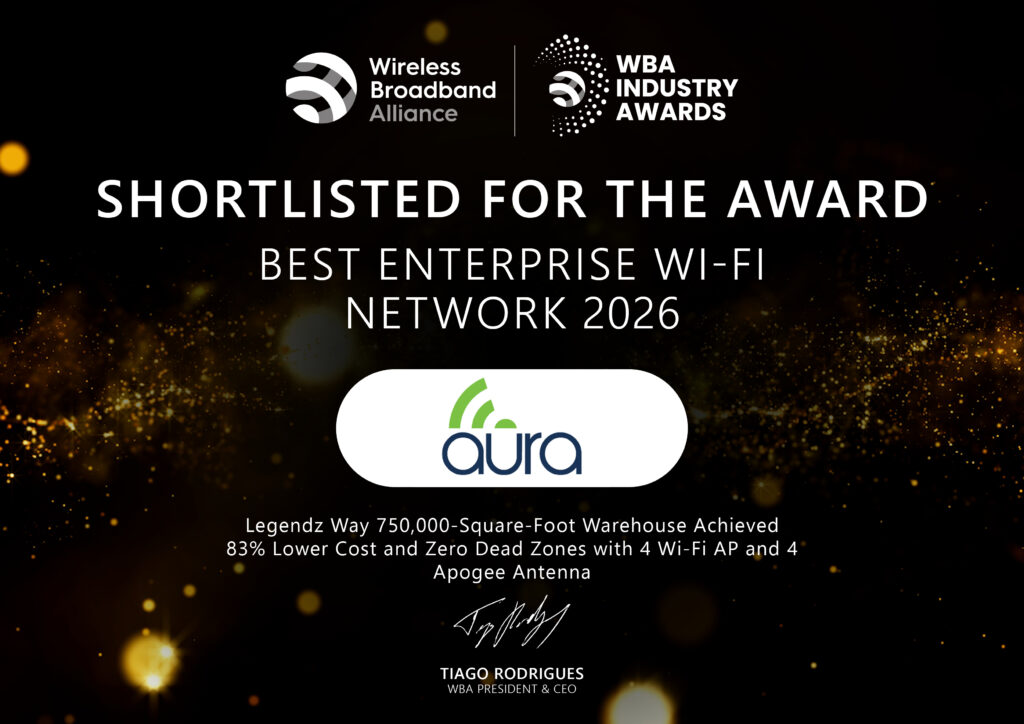
Best Enterprise Wi-Fi Network WBA Award 2026 – Legendz Way Distribution by Aura Wireless
Legendz Way 750,000-Square-Foot Warehouse Achieved 83% Lower Cost and Zero Dead Zones with 4 Wi-Fi AP and 4 Apogee Antenna
Read more
Logistics
Best Enterprise Wi-Fi Network WBA Award 2026 – Legendz Way Distribution by Aura Wireless
Legendz Way 750,000-Square-Foot Warehouse Achieved 83% Lower Cost and Zero Dead Zones with 4 Wi-Fi AP and 4 Apogee Antenna
Read more
Aura Wireless makes the Apogee family of powered antenna platforms. Apogee works with compatible access points and radios to extend usable coverage. The family includes Wi-Fi models and Converge for shared 5 GHz Wi-Fi and CBRS antenna coverage.
Apogee can support designs with fewer access points where coverage is the limiting factor. Aura describes up to 90% fewer access points as a deployment-dependent maximum. The design must still meet the site’s device, user-capacity and application requirements.
Apogee contributes the antenna and receive-amplification part of a wireless connection. Compatible access points and network services still provide Wi-Fi access, security and capacity. Existing equipment may be reusable after its model and configuration are checked.
Contact Aura with the coverage area, devices and current radio or access-point models. Aura can discuss product fit, and an integration partner can help plan and install the complete network. The Find a Partner page provides the referral route.
plan your coverage
Talk with Aura about the antenna options, or find a partner to help plan and install your network.
2026 Mobile Breakthrough Awards
Award winner: Aura Wireless
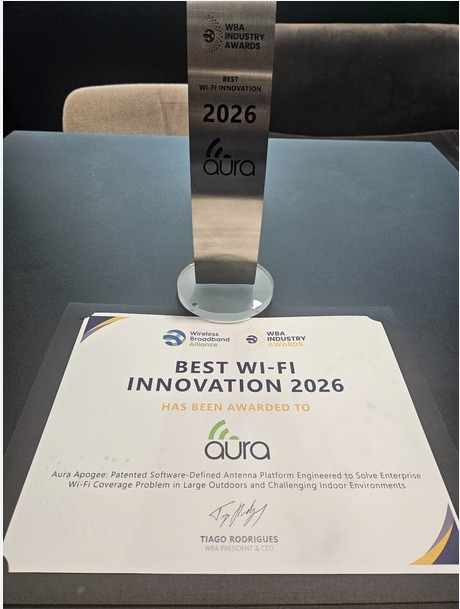
2026 WBA Industry Awards
Award winner: Aura Wireless
Read the WBA announcement