use cases
Retail Wi-Fi beyond the store entrance.
Curbside pickup puts the associate beside the customer’s vehicle. Seasonal selling moves payment devices out to the merchandise. Aura Wireless helps extend retail outdoor Wi-Fi into those working areas with Apogee antennas, supporting a connection where staff need to finish the order, check a pallet or serve the next customer.
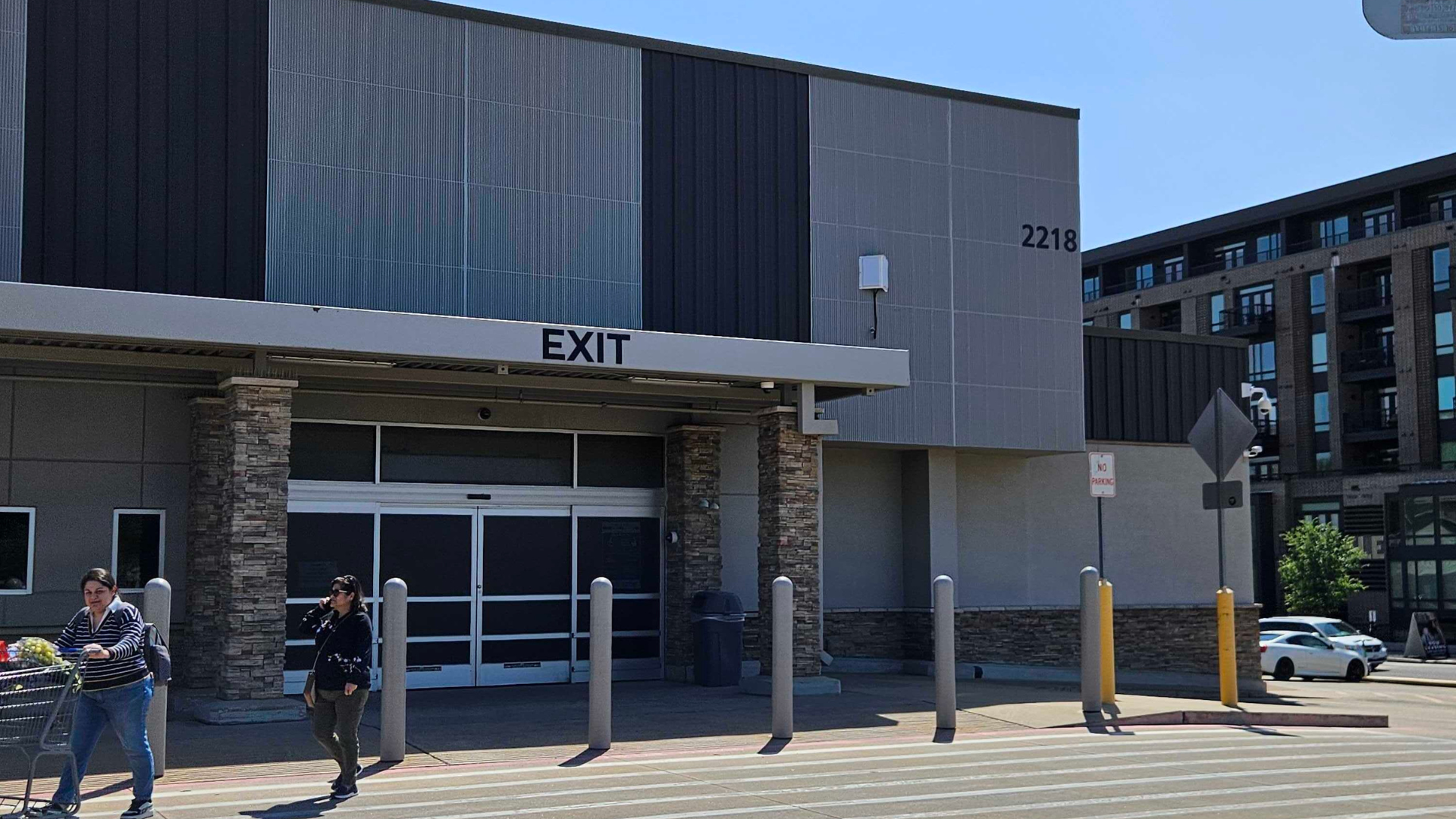
Finish the pickup at the vehicle
Map the pickup spaces and the routes associates take from the store. A handheld needs a working connection for the whole customer interaction. Test the devices and transaction applications where staff will use them, including the far end of the pickup zone.
Make seasonal space usable
Garden departments, holiday sales and temporary outdoor service points can change the operating footprint. Include those locations before choosing antenna placement. Coverage planning is more useful when it reflects how the property works through the year.
Keep guest demand in view
Operational devices and customer phones share physical space, but create different network requirements. Plan their access, traffic and busy periods separately. Broader antenna coverage does not establish the capacity available for every guest device.
From the entrance to a 20-acre front lot
At one store in Aura’s curbside case, outdoor Wi-Fi had reached only about 50 feet beyond the entrance. One Apogee antenna extended coverage across the 20-acre front parking lot. Associates could complete transactions in the pickup area.
The same account describes a different store using two Apogees for its main lot and both sides of the building, including gas pumps and a tire center. A front lot and several working areas around a building require different antenna placement.
Read the curbside retail caseA repeatable approach still starts with field validation
A Fortune 500 retailer adopted a two-to-three-Apogee architecture as its nationwide standard after field validation. Its large-format properties included parking areas of 20 acres or more. The source describes connected curbside work, outdoor staging, pallet verification and seasonal or overflow areas.
For a team responsible for several locations, that example supports evaluating a common architecture against representative sites. Compare building geometry, mounting opportunities, device types and busy periods before applying a design elsewhere. Keep the site checks in the rollout process.
Read the large-format retail caseMatch the coverage to the service areas
Apogee works with a suitable access point or radio. Its receive-side design helps the network hear the lower-power reply from a handheld outside the store. The AP, security configuration and upstream network still need to support the transaction or operational application.
Consider Apogee 180 where service areas lie outward from a building edge. Evaluate Apogee 360 where coverage is needed around the mounting position. Confirm the selected model’s bands, radio connections and installation requirements with the integrator.
For the budget, compare the complete installation serving the intended departments. Include APs, antenna hardware, cable and power work, mounting access and maintenance. Evaluate guest capacity and operational resilience alongside coverage before removing AP locations.
Compare antenna optionsRetail and curbside Wi-Fi questions
What should a curbside Wi-Fi plan include?
Include pickup spaces, associate routes, handheld models and the applications used to complete orders. Add vehicle and building obstructions, mounting options and the busiest expected device load. The plan should follow the customer interaction from the store to the pickup location.
Can outdoor Wi-Fi support seasonal selling areas?
Aura’s curbside case describes connected gardening, holiday-tree and special-event sales areas. Those uses depended on coverage where employees handled transactions. Identify the planned seasonal locations and check their device and capacity requirements against the installed network before opening them.
Why did one retail site need more antennas than another?
The curbside account describes one antenna serving a front parking lot and two antennas serving another store’s main lot and sides, including gas pumps and a tire center. Coverage direction and building geometry affect placement. Acreage alone does not determine the antenna count.
How should guest Wi-Fi be planned alongside staff devices?
Define the access and traffic requirements for guest and operational devices separately, then size the APs and upstream network for the combined busy-period demand. Antenna coverage does not increase the AP’s concurrent-session limit or configure access policies. Those remain part of the network design.
What helps a retailer evaluate multiple locations?
Use representative site layouts, the intended device list and the operating requirements for each outdoor department. Field validation can establish whether a proposed architecture serves those needs before broader deployment. Review exceptions such as side lots, fueling areas and different mounting conditions individually.
Continue your site assessment
Plan Wi-Fi for your outdoor retail areas.
Share the pickup locations, outdoor departments and device requirements across your stores. Contact Aura about the coverage approach, or find a partner to help evaluate your sites.