the Apogee family
Compare Apogee antennas.
Choose around the space, devices and networks you need to connect. All four Apogee models amplify received signals. Their antenna layouts and configuration options suit different jobs.
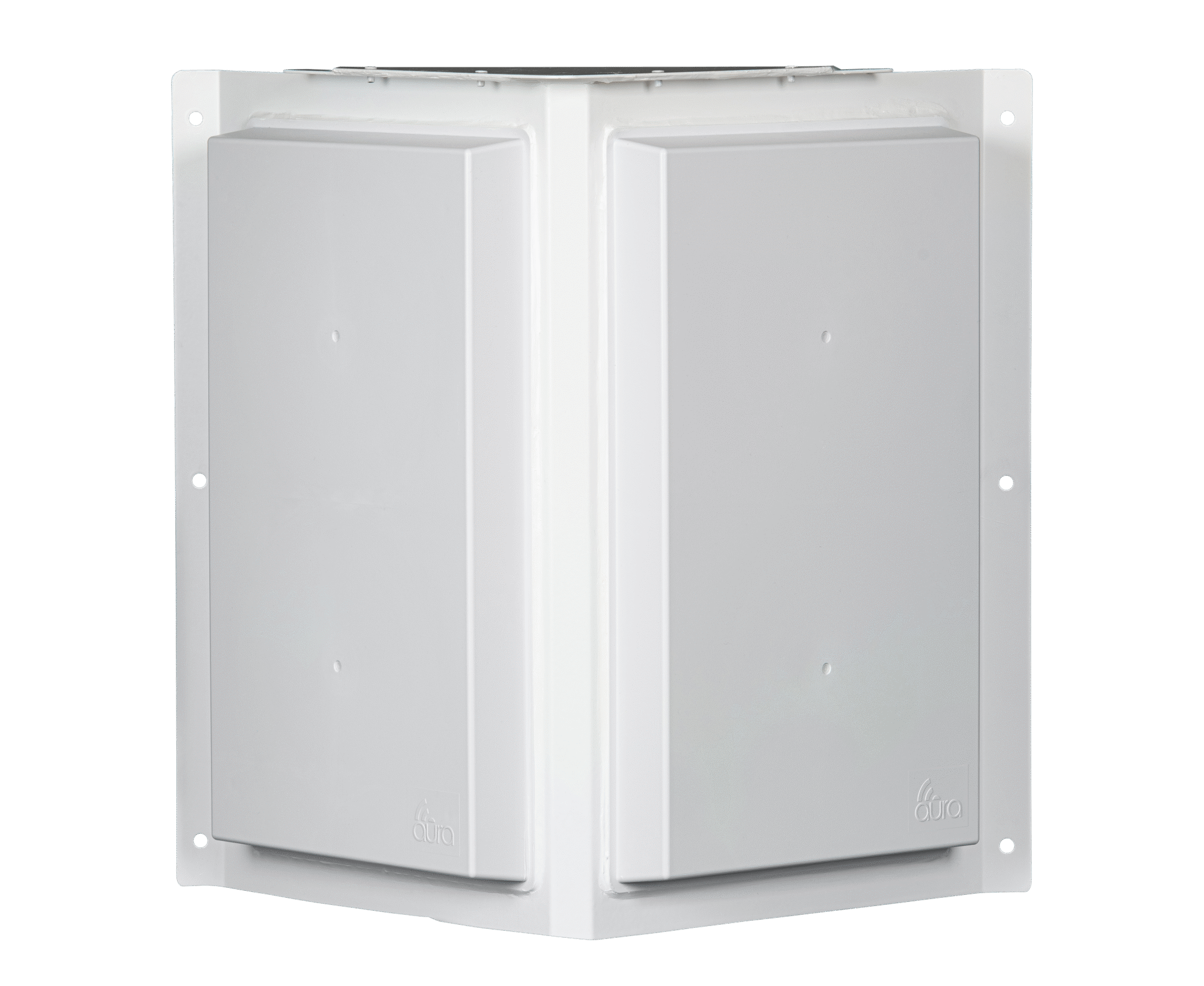
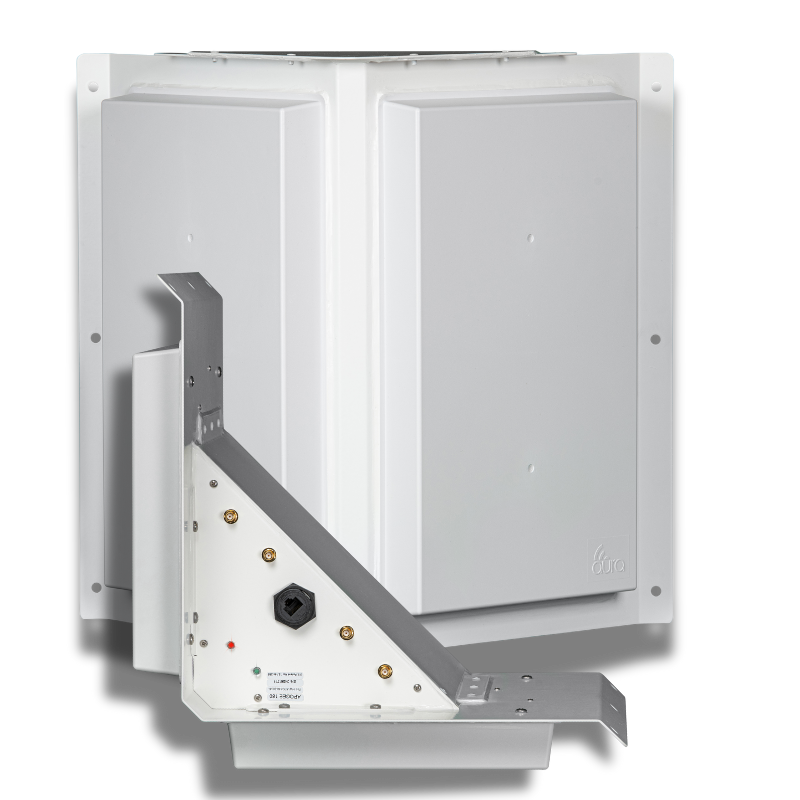
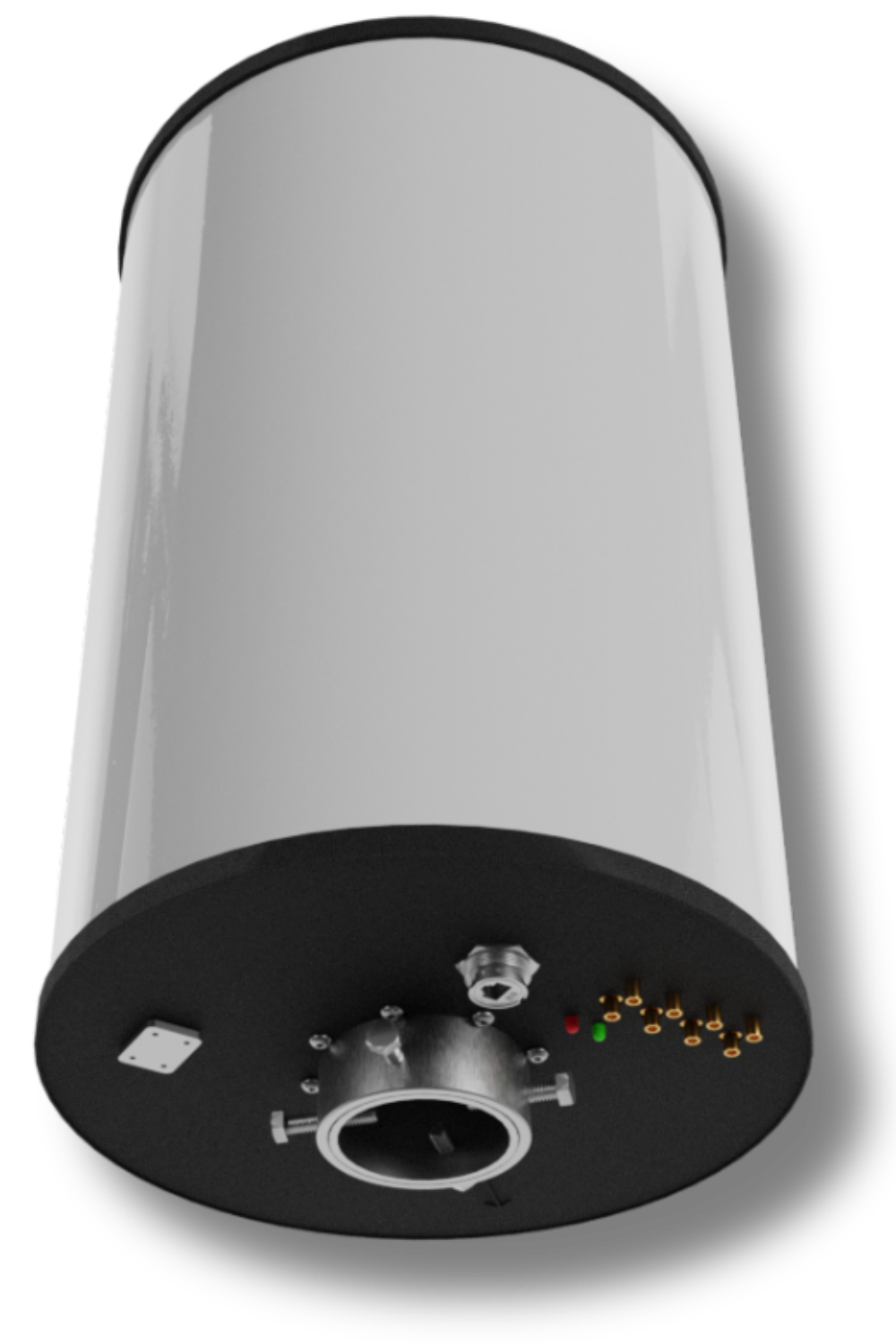
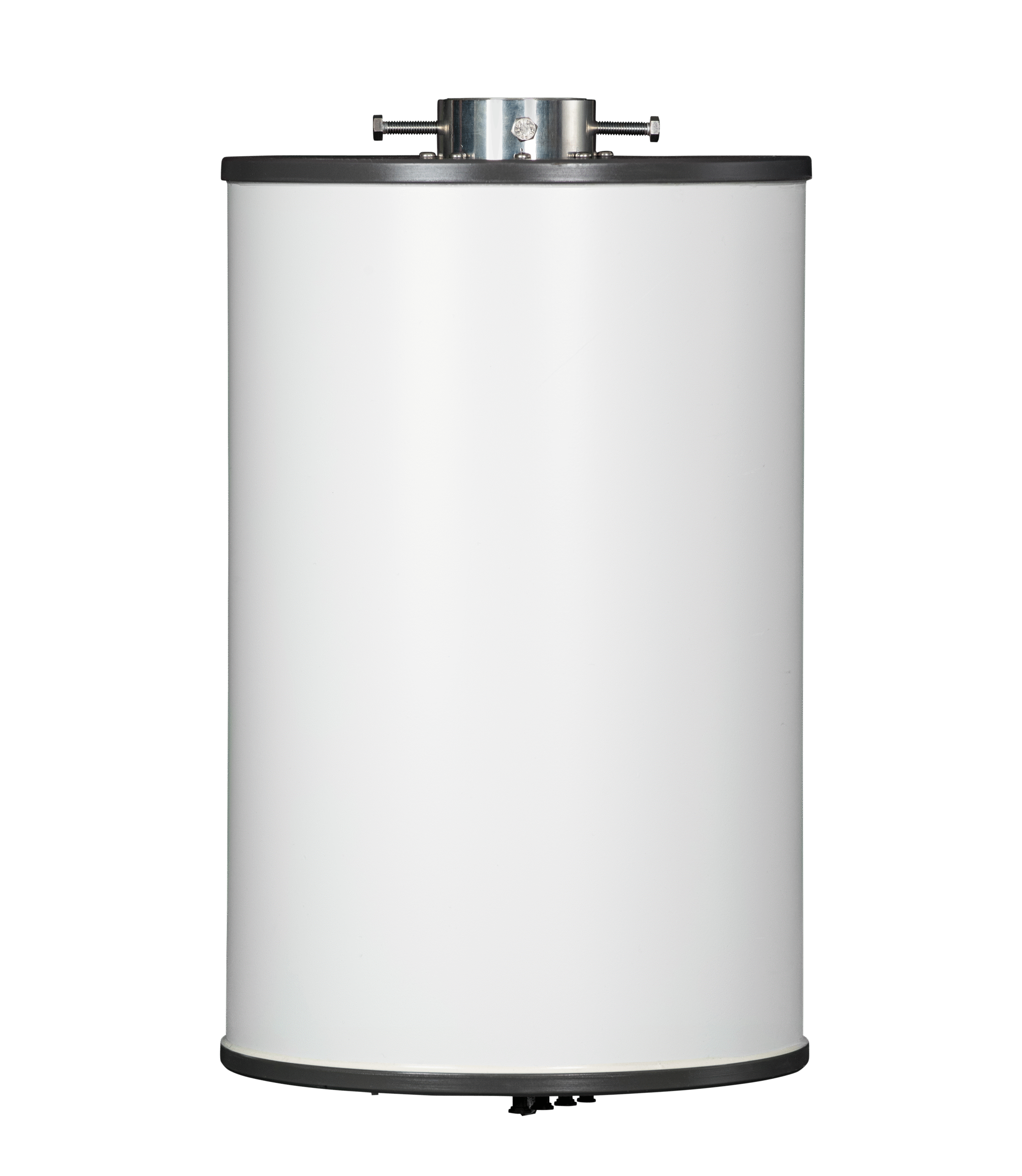
The differences at a glance
Compare the models below. On a smaller screen, scroll the table sideways to see all four.
| Consideration | Apogee 180 | Apogee 180 MP | Apogee 360 | Apogee Converge |
|---|---|---|---|---|
| Start here for | Parking lots, loading docks and coverage from a building edge | Warehouse racks, steel structures and reflective interiors | Yards, campuses, farms and open areas around a mounting point | Sites that need both 5 GHz Wi-Fi and private cellular on CBRS |
| Supported bands | 2.4 GHz and 5 GHz Wi-Fi | 2.4 GHz and 5 GHz Wi-Fi | 2.4 GHz and 5 GHz Wi-Fi | 5 GHz Wi-Fi and CBRS Band 48 |
| Panel arrangement | 180° / two 90° panels | 180° / two 90° panels | Up to 360° / four 90° panels | Up to 360° / four 90° panels |
| Antenna configuration | Powered, unmanaged | Powered, unmanaged | Apogee Manager | Apogee Manager |
| Polarization | Fixed configuration | Dual/hybrid polarity | Configurable vertical, horizontal or hybrid | Configurable vertical, horizontal or hybrid |
| External RF connections | 4 external RF ports | 4 external RF ports | 4 external RF ports | 4 dedicated CBRS ports + 4 dedicated Wi-Fi ports |
| MIMO options | 2x2 per panel; confirm radio and panel allocation | 2x2 per panel; confirm radio and panel allocation | 2x2 or 4x4 by configuration; confirm radio and panel allocation | 2x2 or 4x4 by configuration; confirm radio and panel allocation |
| Dimensions and weight | 17 × 6 × 17 in; 6 lbs | 17 × 6 × 17 in; 6 lbs | 22 in high, 12 in diameter; 22 lbs | 22 in high, 12 in diameter; 22 lbs |
| Receive gain | 25–26 dBi | 25–26 dBi | 25–26 dBi | 25–26 dBi |
| Datasheet | Download Apogee 180 PDF | Download Apogee 180 MP PDF | Download Apogee 360 PDF | Download Apogee Converge PDF |
These fields help select a model. Before ordering, confirm the exact radio, antenna cables and connector gender, power source, mounting and panel allocation for the hardware revision. The table does not certify a particular access point or installation.
Start with the work on the ground.
A loading dock needs coverage facing away from a building. A yard may need it around a central mount. Steel racks introduce reflections, and a mixed device fleet may need both Wi-Fi and private cellular. Those differences guide the antenna choice.
Count the users and applications, too. Extending a usable connection does not increase an access point’s user limit or supply the site’s backhaul. A network carrying occasional scanner transactions has a different capacity requirement from one carrying many video streams.
For a cost comparison, include access points, antennas, cable routes, powered locations, mounting and ongoing maintenance. The opportunity for fewer installation points depends on a design that still supports the business.
Questions about choosing an Apogee
How do I choose between the four Apogee models?
Start with the networks and coverage shape. Apogee 180 suits directional Wi-Fi areas; 180 MP adds a hybrid-polarity design for reflective spaces. Apogee 360 provides four configurable Wi-Fi panels around a mounting point. Converge supports both 5 GHz Wi-Fi and CBRS Band 48 from one antenna platform.
Are all four models managed through Apogee Manager?
No. Apogee 180 and 180 MP are powered, unmanaged models. Apogee 360 and Converge use Apogee Manager to configure supported band and polarization settings. The connected radios and network services have their own management requirements.
Will an Apogee work with any enterprise access point?
Compatibility depends on the exact access-point or radio model, external antenna interfaces, bands and permitted configuration. A brand name or a matching connector alone is not enough. Have Aura or your integrator check the radio, cables, panel allocation and power before ordering.
Does a four-panel model provide four times the capacity?
The number of antenna panels describes the coverage arrangement. It does not multiply the connected radio’s user capacity. Radio chains, panel allocation, airtime and backhaul determine what the complete network can support.
What should I send when asking for a recommendation?
Send a site plan, the areas that need coverage, client-device models and the applications they use. Include current or proposed access points, mounting options and available power and backhaul. For CBRS, include the cellular radio and core requirements.